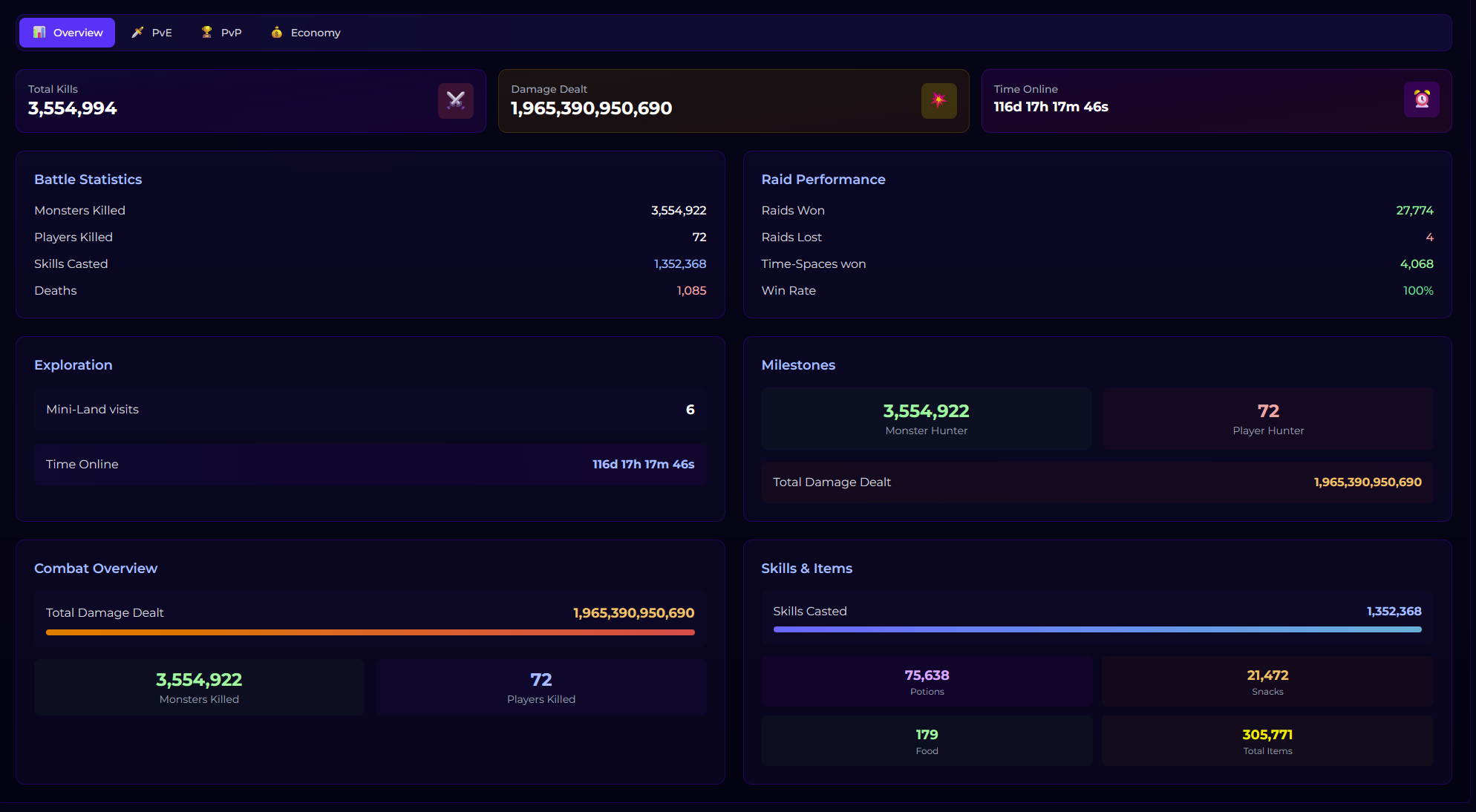
Dashboard Profile
Your dashboard profile shows your characters from outside the game. Open Profile on the dashboard and pick a character. A banner on top summarises the character; the tabs below show:
- Equipment: worn gear and inventory, with shells and runes (attack damage isn't shown).
- Pets and Partners: all pets and partners; a green icon marks the ones with you.
- Statistics:
- Overview: lifetime stats and a summary of the other panels.
- PvE: clears of every raid, with a bar towards its God achievement.
- PvP: arena, Arena of Talents, Rainbow Battle and duel stats.
- Economy: how much gold you earned, how, and what you spent it on.
- NosBazaar: your sales, with search, a status filter and sorting.